



Online booking for a service business
Online booking for a service business: marketplaces like Treatwell, standalone booking apps or booking built into your own site, and how to set it up so it fills the diary.
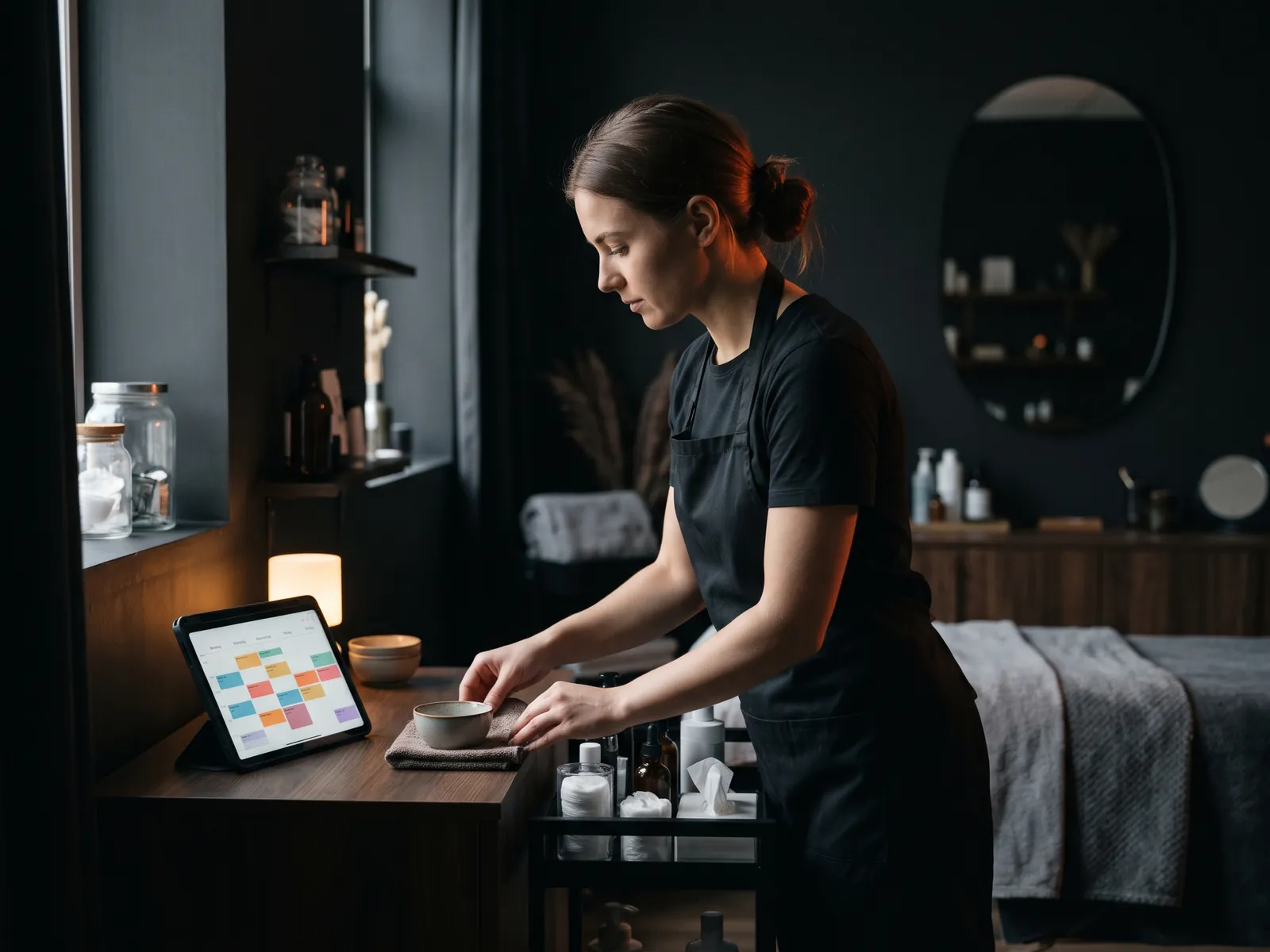
Online booking lets customers choose a service, a time and sometimes a staff member, then confirm without ringing you. For a salon, clinic, garage, tutor, dog groomer or cleaning company, it means bookings arrive while you are working, in the evening and at weekends, which is exactly when many customers plan their week. Online booking for a service business is usually set up in one of three ways: through a marketplace, through a booking app linked from your site, or built into your own website and CRM.
Each route has real strengths. Below I compare them fairly, then go through a seven-step setup that works whichever you choose.
Route 1: marketplaces
Platforms such as Treatwell and Fresha (beauty and wellness), Booksy (barbers and salons) and similar sites in other sectors list your business alongside others and let customers book you there.
Strengths: they bring new customers who are already browsing, the booking tools are polished, and setup is quick. Weaknesses: marketplace business models usually include commission or fees on some bookings, the customer relationship partly sits with the platform, and your listing sits next to competitors. Read the current terms carefully, because fee structures change.
Marketplaces work well as a source of new customers. Many businesses use them alongside their own booking, steering repeat customers to book directly.
Route 2: a booking app linked from your website
Standalone tools such as Calendly, Setmore, SimplyBook.me, Square Appointments or Acuity give you a booking page or widget you link to or embed in your website.
Strengths: quick to start, many have free or low-cost tiers, and you keep the customer relationship. Weaknesses: a monthly subscription that grows with staff and features, branding and design that do not quite match your site, and booking data that lives in yet another system separate from your enquiries and CRM.
This is a sensible middle route for a sole trader or a small team with simple services.
Route 3: booking built into your own website and CRM
Here, booking is part of the website itself: services, prices, staff and availability are managed in your own system, and bookings flow into the same CRM as your other enquiries.
Strengths: no per-booking commission, booking pages that match your brand and load fast, one place for all customer data, and freedom to build what your business actually needs, such as packages, deposits or a separate calendar per location. Weaknesses: a higher up-front cost than a ready-made app, and it needs proper planning.
Two examples from my own work in Poland: for Gładko Tnący Barber in Żywiec, each location has its own page and its own booking, built into a website and CRM. For LaserLux in Kutno, clients book treatments online, including packages of sessions. A UK salon group or aesthetics clinic faces exactly the same problems: several locations, several staff, courses of treatment. See the Gładko Tnący case study and the LaserLux case study.
Comparing the three routes
| Marketplace | Booking app | Built into your site | |
|---|---|---|---|
| Setup time | Fast | Fast | Part of the website project |
| Ongoing cost | Commission or fees | Monthly subscription | Hosting, no booking subscription |
| New customers from the platform | Yes | No | No |
| Your branding | Limited | Partly | Fully |
| Customer data | Shared with the platform | In the app | In your own CRM |
| Custom rules (packages, deposits, locations) | Limited to platform options | Depends on plan | Built to fit |
A seven-step setup plan
Whichever route you choose, these steps decide whether online booking fills your diary or creates chaos.
- List your services with real durations, including clean-up or travel time between appointments. Wrong durations cause double bookings.
- Decide what can be booked online. Simple services, yes. Complex jobs needing a quote or a consultation first may be better as a request form.
- Set your availability honestly, including breaks, staff days off and bank holidays.
- Decide on deposits and cancellations. A deposit for long or high-value appointments reduces no-shows. Write a clear cancellation policy and show it before the customer confirms. For consumer bookings, check how cancellation rights apply to your services.
- Set up confirmations and reminders by email or text. Reminders are one of the simplest ways to reduce missed appointments; see automated appointment reminders. Keep reminder texts service-only: marketing messages need separate consent under PECR.
- Put the booking button everywhere it matters: on the homepage, on every service page, in your Google Business Profile and in your Instagram bio.
- Track bookings as conversions in GA4 and your ad accounts, so you know which campaigns bring paying customers.
Which route suits which business
A newly qualified beautician working from a home studio in Leicester will usually do best starting on a marketplace for visibility, with a simple booking app for regulars. A physiotherapy practice with four practitioners and several treatment types often outgrows a basic app quickly and benefits from booking tied into its own site and patient records. A salon group or a business with several branches, packages or deposits is usually where a booking system built into the website pays off most, because the rules are too specific for an off-the-shelf tool to handle cleanly.
Mistakes to avoid
- Making people create an account before booking. Let them book as a guest.
- Showing every slot as available when staff are actually on holiday. Sync calendars properly.
- Hiding prices until the last step. Show the price, including any compulsory fees, upfront.
- A booking page that looks nothing like your website. It feels like being sent elsewhere, and some people abandon.
- No phone alternative. Some customers still want to ring, and that is fine.
What it costs with me
A booking system is usually part of a website project, so the price depends on the services, staff, locations and rules involved. Business websites start at £850, and a chatbot that takes bookings is £310. I quote booking integrations after a short call once I know your services and the tools you already use. Read more on the booking bot page, or see what a full website project includes on the business websites page.
Let’s talk
about your business
Before the call I review your website and ads. After the call you get an action plan and a price range in writing.

12+ years in online marketing, 100+ clients. I build websites, Google Ads and Meta ads campaigns, CRMs and automations for small and mid-sized businesses. About me →
Online booking
questions
Should I leave Treatwell or Fresha if I build my own booking?
Not necessarily. Marketplaces can keep bringing new customers, while your own booking serves regulars without fees. Many businesses run both and gently encourage repeat customers to book direct through their website.
Can online booking take deposits?
Yes, most booking tools and custom systems can take a deposit or full payment through a payment provider. Show the deposit and cancellation terms clearly before the customer confirms.
Will online booking replace phone calls?
It reduces them, especially for simple bookings out of hours, but some customers will always prefer to ring. Keep the phone number visible alongside the booking button.
Can booking connect to my CRM?
With a system built into your website, bookings go straight into the CRM with the customer's details and history. With third-party apps, it depends on their integrations, which sometimes need extra tools.
Bookings that arrive
while you are working
Tell me your services, staff and locations, and which booking tool you use now. I'll suggest the simplest route and send a fixed price within one working day.